💻
About Cursor
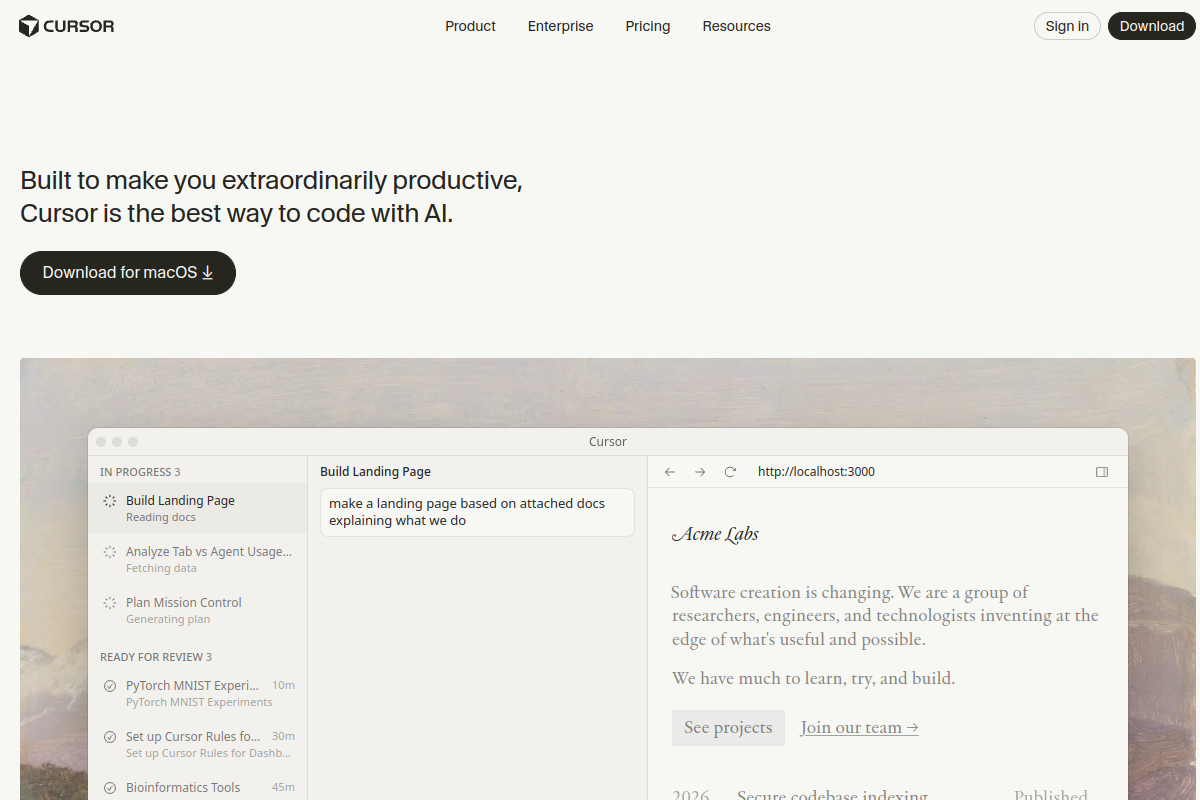
Code mit einem KI-Paarprogrammierer, der Ihre gesamte Codebasis versteht, mit Cursor, dem KI-nativen Fork von VS Code. Chatten Sie mit Ihrem Code, generieren Sie Funktionen aus Kommentaren und refaktorisieren Sie ganze Dateien mit natürlichen Sprachbefehlen. Softwareentwickler liefern Funktionen schneller aus, Solo-Entwickler bauen komplexe Apps, und Teams integrieren neue Mitglieder schnell. Cursor indiziert Ihr gesamtes Projekt, sodass die KI kontextbewusste Vorschläge liefert, die tatsächlich zu Ihrer Architektur passen.
Tags
#Hier ist der zu übersetzende Inhalt : 'Programmieren'#Hier ist der zu übersetzende Inhalt : 'ide'#Hier ist der zu übersetzende Inhalt : 'KI-Assistent'#Entwicklung
0 visits
0 bookmarks
Preise
Kostenloser Tarif, Ab 20 $/MonatVisit Trend
Key Metrics
2026-09-01 - 2026-09-30- Monthly visits
- 0
- Avg. visit duration
- 00:00
- Pages per visit
- 0.00
- Bounce rate
- 0.00%
Source Share
Direct visits: 0%Email: 0%Organic search: 0%Paid ads: 0%Referrals: 0%
Traffic Sources
2026-09-01 - 2026-09-30- Direct visits0
- Email0
- Organic search0
- Paid ads0
- Referrals0
Cursor Core Features
AI-Powered Code Completion — Get multi-line suggestions and autocomplete that understand your codebase's context, reducing boilerplate and speeding up development.
Chat with Your Code — Ask questions about your codebase in natural language and get accurate answers with references to specific files and lines, making it easy to understand complex projects.
Generate Code from Comments — Write a comment describing what you want, and Cursor will generate the corresponding code, from simple functions to entire classes.
Refactor with Natural Language — Select a block of code and instruct Cursor to refactor it, rename variables, or optimize logic using plain English commands.
Full Codebase Indexing — Cursor indexes your entire project, enabling AI features to consider your architecture, dependencies, and coding patterns for more relevant suggestions.
VS Code Compatibility — As a fork of VS Code, Cursor supports all your favorite extensions, themes, and keybindings, ensuring a seamless transition.
Team Collaboration Features — Share AI prompts, code snippets, and project context with your team to streamline onboarding and collaborative development.
Cursor Subscription Plan
Free
$0
- Limited AI usage (e.g., 50 slow requests/month)
- Basic code completion and chat
- Community support
Pro
$20/month
- Unlimited AI usage (subject to fair use)
- Priority access to new features
- Faster AI responses
- Email support
Business
$40/user/month
- All Pro features
- Centralized billing and admin controls
- Enhanced privacy and security
- Dedicated support