
🎬 Video⭐ Featured
CapCut
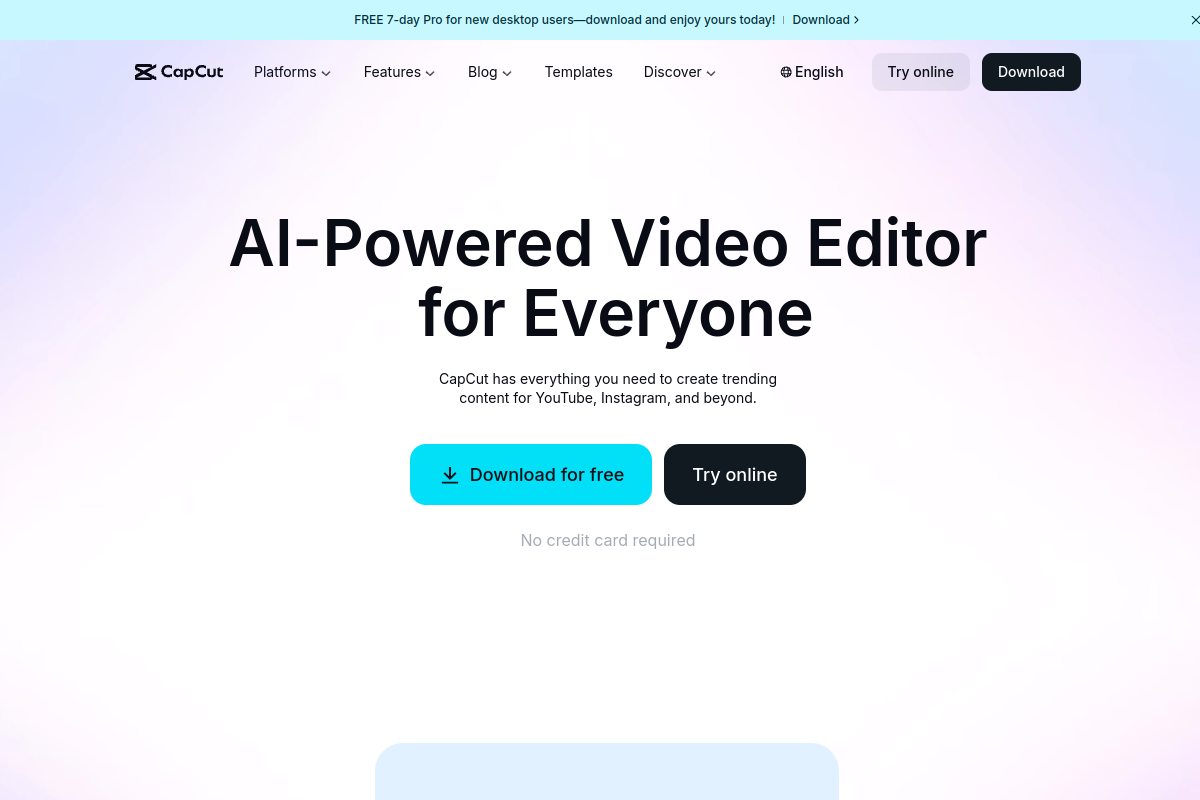
All-in-One-Videoeditor für die einfache Erstellung professioneller Kurzvideos.
About CapCut
CapCut ist ein kostenloser, professioneller Videoeditor, der von ByteDance entwickelt wurde. Er bietet eine umfassende Suite leistungsstarker und dennoch intuitiver Werkzeuge zum Schneiden, Hinzufügen von Effekten, Filtern, Übergängen und Titeln. Die App verfügt über integrierte KI-Fähigkeiten für automatische Untertitel, Hintergrundentfernung und intelligente Bearbeitungshilfe. Greifen Sie auf eine riesige Bibliothek mit lizenzfreier Musik, Stickern und gebrauchsfertigen Vorlagen zu. Optimiert für Multi-Plattform-Workflows ist CapCut das ideale Werkzeug, um ansprechende Inhalte für TikTok, Instagram und andere große Social-Media-Kanäle zu erstellen.
Tags
#video#Bearbeitung#soziale Medien#mobil
0 visits
0 bookmarks
Preise
Kostenlose Version, Pro $9.99/MonatVisit Trend
Key Metrics
2026-09-01 - 2026-09-30- Monthly visits
- 0
- Avg. visit duration
- 00:00
- Pages per visit
- 0.00
- Bounce rate
- 0.00%
Source Share
Direct visits: 0%Email: 0%Organic search: 0%Paid ads: 0%Referrals: 0%
Traffic Sources
2026-09-01 - 2026-09-30- Direct visits0
- Email0
- Organic search0
- Paid ads0
- Referrals0
CapCut Core Features
AI-Powered Editing Tools — CapCut leverages artificial intelligence to automate tasks like background removal, object tracking, and smart color correction, making professional editing accessible to everyone.
Auto-Generated Subtitles — Automatically generate accurate subtitles for your videos with AI speech recognition, supporting multiple languages and customizable styles.
Extensive Media Library — Access a vast library of royalty-free music, sound effects, stickers, filters, and transitions to enhance your videos without leaving the app.
Multi-Track Timeline — Edit with a professional multi-track timeline that allows you to layer video, audio, text, and effects with precision.
Ready-to-Use Templates — Jumpstart your creativity with a wide range of customizable templates for trending video styles, perfect for social media content.
Cross-Platform Sync — Start editing on your phone and continue on your desktop with seamless cloud sync, ensuring your projects are always up to date.
Advanced Export Options — Export videos in up to 4K resolution with adjustable frame rates, bitrates, and formats, optimized for various social media platforms.
CapCut Subscription Plan
Free
$0
- Basic editing tools
- Access to limited templates and effects
- Watermark on exports
- Standard export resolution (up to 1080p)
Pro
$9.99/month
- All free features
- No watermark
- Access to premium effects and templates
- Advanced AI features
- Priority export and cloud storage